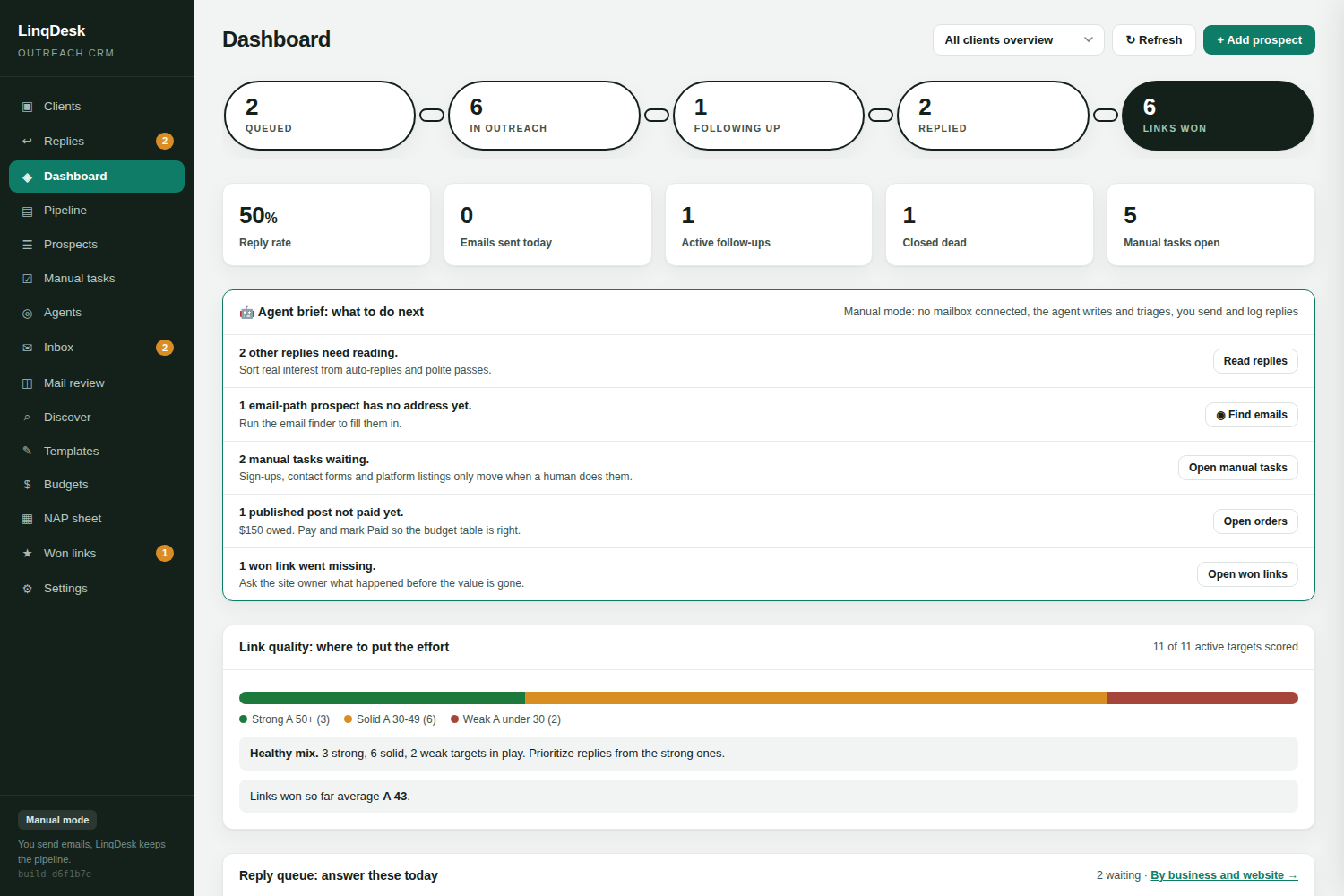
Built for the agency reality: many clients, separate budgets, a small team, and a client who wants proof at the end of every month.
Start freeMost outreach platforms were designed for one in-house SEO team promoting one website. Agencies do the opposite: fifteen websites, fifteen budgets, fifteen sets of rules about what a link may cost, and a report due for each one.
So agencies end up with a spreadsheet per client anyway, and the expensive outreach tool becomes a sending engine that nobody trusts for reporting. The replies land in a shared inbox, the editor who said yes three weeks ago is forgotten, and the chamber of commerce that needed a membership form instead of an email never gets contacted at all.
Run Discover for each client. Approve the Passes, read the reasons on the Maybes, let the pipeline agent top up any client whose month is short. Import a vendor sheet if you buy placements.
Triage routes every prospect. The engine sends and follows up from your mailboxes at a paced daily quota, follow-ups before new first emails. The browser agent works the Manual tasks queue.
The replies agent answers interested prospects and agrees prices up to each client's limit. In Ask me first mode every answer waits for one click. Your team only touches the threads that need a person.
The orders agent has chased the articles and verified the links. Export the white-label PDF. The budget table already shows what was spent and what carried forward.
Ask any coordinator what eats their week and it is not sending. It is reading replies, remembering who agreed to what, chasing an editor for the live URL, and rebuilding a report from three tabs. LinqDesk moves each of those into the product:
Paste the client's NAP tab from Google Sheets and the business profile that personalises every email and fills every form updates itself. Set the budget, the target links and the max cost per link. Add competitor websites and Discover uses their backlinks as a source. That is the whole setup.
Retention is decided at month end. The white-label report is one click from Won links: every link won for that client with the site, the authority, the cost, the campaign type and the live URL, under your agency name with no LinqDesk branding anywhere. Because every won link is re-checked weekly, the report never lists a link that is already gone. Save it as a PDF and send it, or open it on the call.
Behind the report, the budget table shows the client's monthly budget, what carried over, what was spent and what is left, month by month from the start date. Quotes that arrived in replies sit next to it as asking prices, so you can see what is on the table before you approve it.
Agencies burn sending domains by pointing one mailbox at fifteen clients' outreach. LinqDesk lets you assign a connected mailbox to a client, so that client's outreach, form submissions and replies all use one address. Each mailbox has its own daily quota, spread evenly across the sending window rather than fired at nine o'clock, and follow-ups go out before new first emails. A bounce blocks the address for good and restarts the prospect with a new one instead of hammering a dead mailbox. "Take me off your list" closes the lead and adds the address to the workspace do-not-contact list.
The owner connects mailboxes, sets automation, agent modes, caps and billing, and creates API keys. Team members sign in with their own email and password and work every client: prospects, replies, manual tasks, approvals. They cannot change settings, so a junior cannot switch an agent to Automatic or disconnect a mailbox by accident. Every action carries who did it, and every prospect's timeline shows it.
Agencies typically run 8 to 15 active link building clients per coordinator once outreach, follow-ups, reply handling and order chasing are automated, because the only manual work left is approving agent actions and confirming placements.
Yes. Team members get their own logins and can work every client, but only the workspace owner can change mailboxes, automation, billing and API keys.
No. Client reports are white-label PDFs carrying your agency name, and outreach sends from your own mailboxes. Nothing says LinqDesk.
Assign a connected mailbox to that client. Its outreach sends from that address, its forms are filled with that address, and replies to it are read for that client only.
Prospects are scoped to a client and a site is never a duplicate prospect for the same client. The do-not-contact list is workspace-wide, and the publisher library shows which sites already sold a placement to another client, with the price and contact.
Yes. Paste a vendor sheet with a domain and price per line into Discover. Every site is measured and judged before it becomes a prospect, and the price travels onto the prospect as the asking price.
Create your workspace, connect a mailbox, add your first client. Five minutes.
Start free