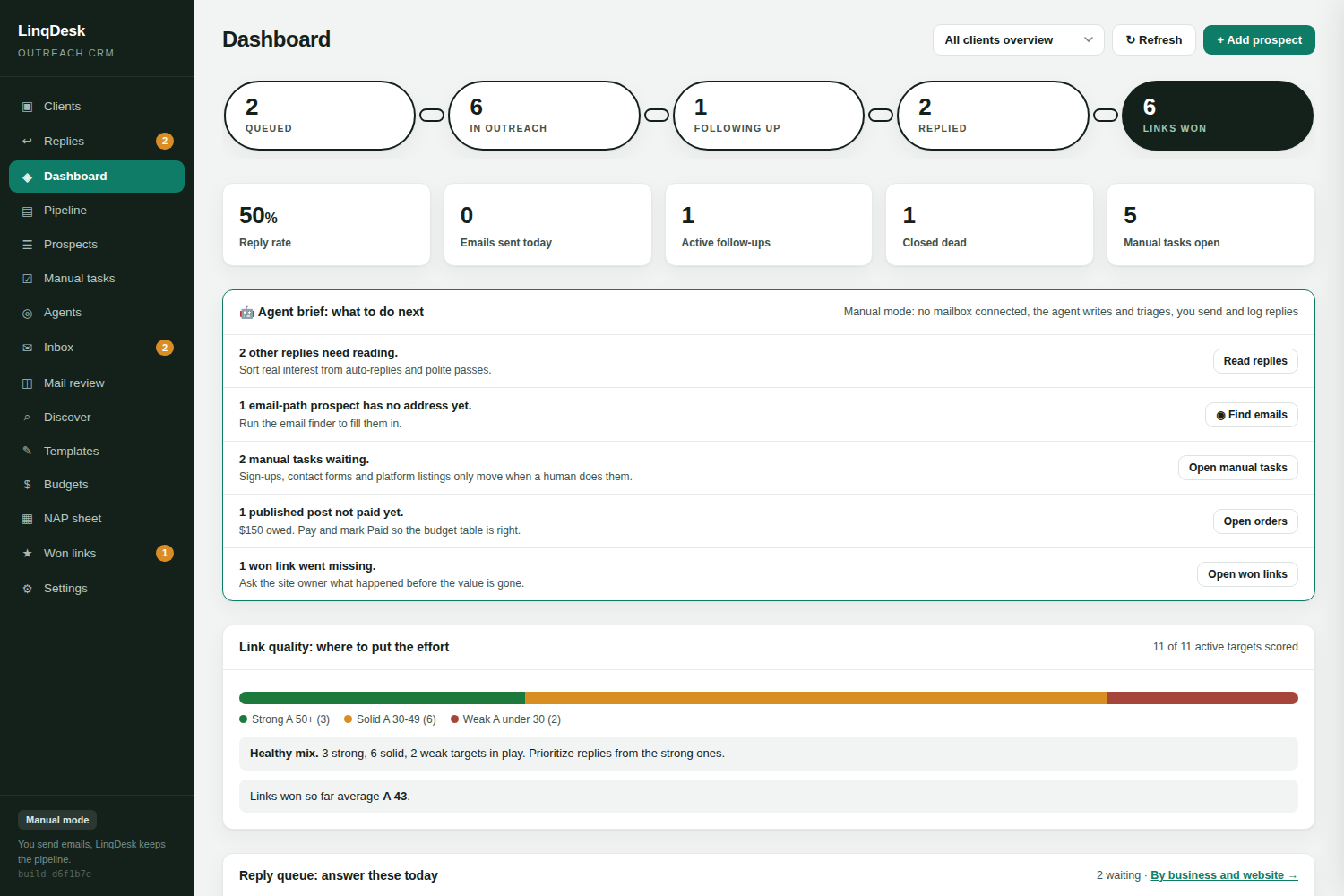
Postaga teaches outreach through guided campaign types. LinqDesk runs link building per client with agents and money tracking.
Try LinqDesk free| Postaga | LinqDesk | |
|---|---|---|
| Structured around | Campaign types for one site | Client environments |
| Entry price | Around $84 per month | Free for 2 clients, then $49 per month |
| Per-client link budget | Not built in | Yes, with monthly rollover |
| Prospect vetting | Basic metrics | Authority, spam, traffic, tier-1 share, topic fit, way in |
| Replies | You answer | Replies agent answers and negotiates |
| Orders from yes to paid | Not tracked | Agreed, writing, sent, published, paid |
| Link monitoring | Not core | Weekly automatic re-checks |
| White-label client PDF | Not built in | One click |
| Best fit | Solo SEOs learning outreach | Agencies with many clients |
You are one person promoting one site, want guided campaign types that teach the different outreach styles, and do not need per-client budgets, order tracking or client reports.
You run link building for several clients, need to keep each one's spend and links separate, and want replies, orders and forms handled by agents while you approve.
Postaga organises work by campaign type: skyscraper, guest post, mention, review. That is a good way to learn outreach for one site. An agency's problem is not learning outreach, it is running it for fifteen clients at once without mixing prospects, budgets or reports. LinqDesk organises by client and keeps the campaign types inside each one.
Postaga stops at the sent email and the reply. LinqDesk keeps going: the asking price is read out of the reply, the replies agent negotiates inside the client's limit, the guest post becomes an order with a stage and a due date, the orders agent writes and sends the article and verifies the link, and the weekly monitor keeps checking it. The client report writes itself from that record.
Guided setup for a beginner, and a wider spread of campaign styles out of the box. If you are learning outreach on your own site, it is a good teacher.
Client environments. Pick a client and the whole tool scopes to them: pipeline, prospects, replies, budget, won links, NAP profile and the report. Nothing mixes.
Discovery with real vetting. Google footprints, competitor backlinks, the publisher library and pasted vendor sheets. Every site gets authority, spam score, US traffic, tier-1 share, top keywords and topic fit, a Pass, Maybe or Reject against your own floors, and its way in researched.
A contact path for every prospect. Email goes to the pipeline. A form, an application or a claimed listing goes to Manual tasks, where the browser agent fills it from the client's NAP profile.
Sending from your mailboxes. A daily quota per mailbox spread across your window, follow-ups before new first emails, a stop the moment anyone replies, bounce recovery, and a workspace do-not-contact list.
Four agents. Replies, pipeline, orders and browser, each Off, Ask me first or Automatic, each with a daily cap, every action on the Agents page and the prospect's timeline.
Orders and money. Asking prices read out of replies, a max cost per link per client, order stages from agreed to paid, and a budget table with rollover.
Monitoring and proof. Every won link re-checked weekly as a real browser, losses and nofollows emailed to you, and a one-click white-label PDF.
Export your prospects to CSV or xlsx and drop them into LinqDesk's bulk import, which maps columns automatically. Add each client as its own environment with a budget and a target. Paste the client's NAP tab so the profile fills itself. Connect the mailboxes you already send from, or run in manual mode and keep sending from your mail app while LinqDesk records every send and reply. The agents start in Ask me first mode, so nothing goes out that you did not approve until you switch them to Automatic.
Postaga is a single tier around $84 a month. LinqDesk is free for two clients and $49 for five, so a small agency pays less; a solo SEO on one site may find either fits.
Export the prospects to CSV and use bulk import. Each campaign becomes prospects in the client environment it belongs to.
Yes: guest post, local backlink and the campaign types you define, each with its own templates. Discover uses different rules for local prospects than for guest post sites.
Create your workspace, connect a mailbox, add your first client. Five minutes.
Start free